Curated modes
Start with a defined purpose instead of building every session from a blank prompt.
Lordan combines curated modes, voice and text interaction, on-device continuity, and a premium interface to help people think clearly and communicate with more confidence.
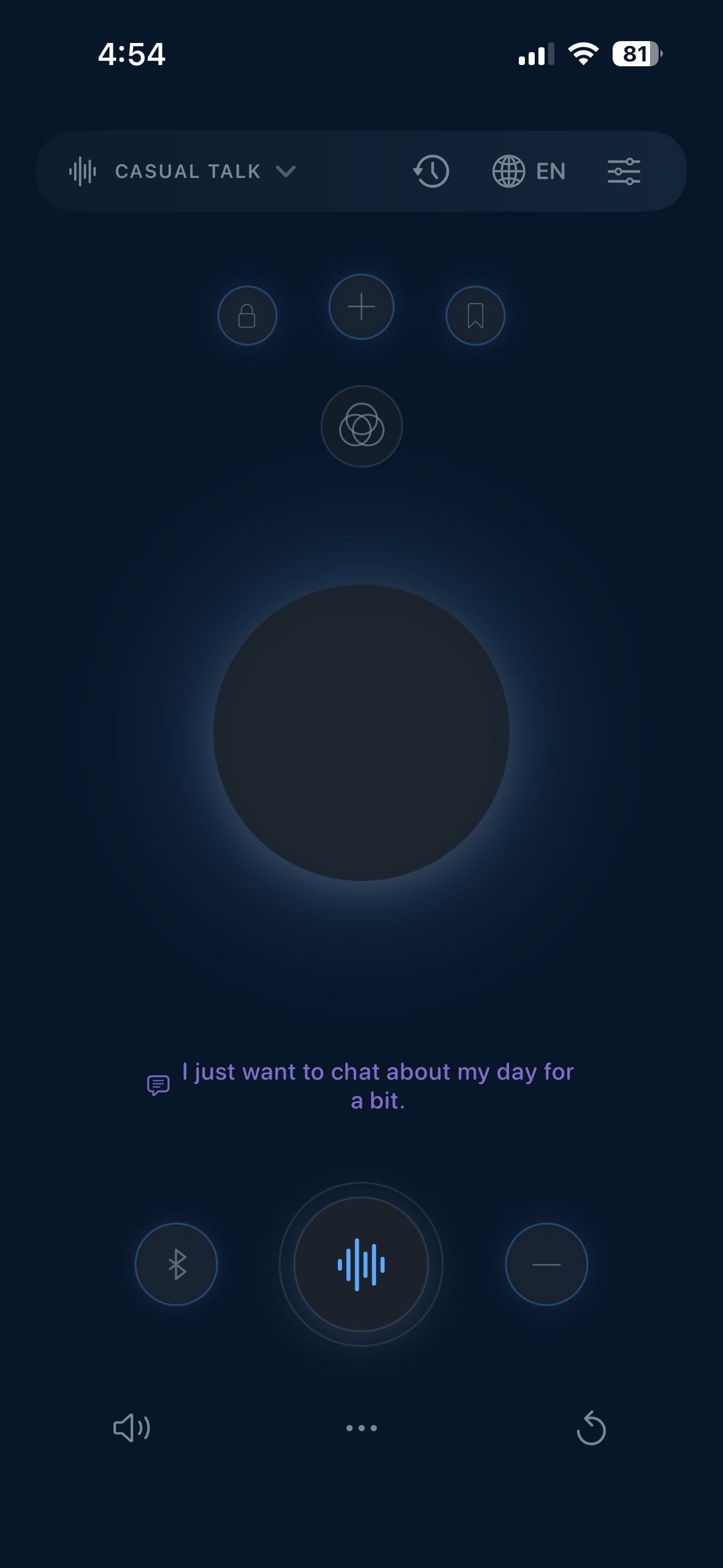
Lordan is not a blank box. Every one of its 50 modes is built around a specific real-world job — not renamed generic chat. Negotiation Strategist is different from Difficult Conversation Coach, which is different from Decision Framer. Each mode carries its own reasoning framework, its own pacing, its own goal. You choose the context; Lordan holds it.
Use low-latency Realtime voice or text in any of 12 languages, interrupt naturally, and switch input methods without losing the thread. Voice controls support Bluetooth, AirPods, CarPlay, voice choice, Silent Mode, microphone, haptics, and audio routing. Lordan does not intentionally retain raw audio after processing. Limited continuity context may be retained securely for up to 24 hours and then automatically deleted.
Instead of drifting into generic answers, Lordan stays with the task. It uses structured reasoning frameworks drawn from decades of work in communication, negotiation, and decision-making — asking the right questions, surfacing what matters, and helping you arrive at clarity rather than more noise.
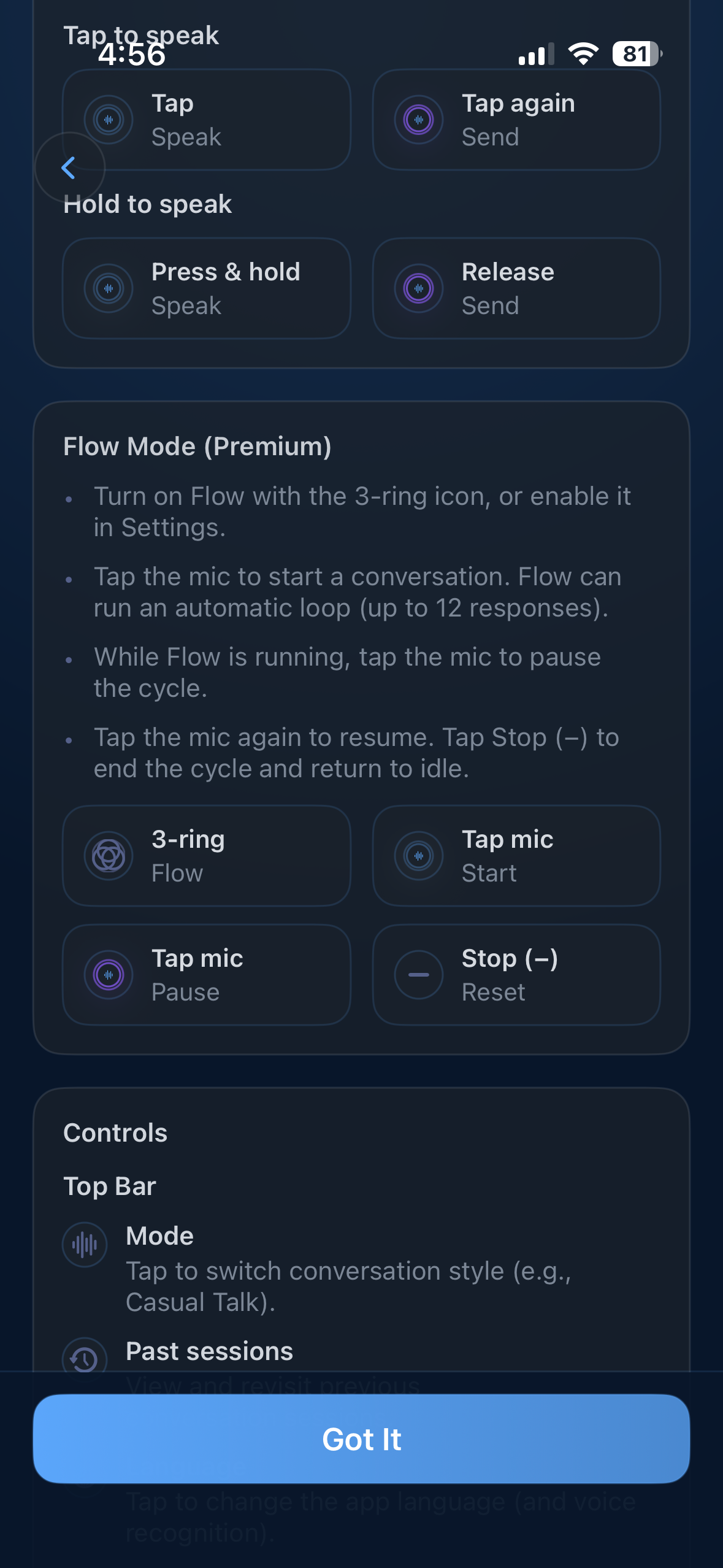
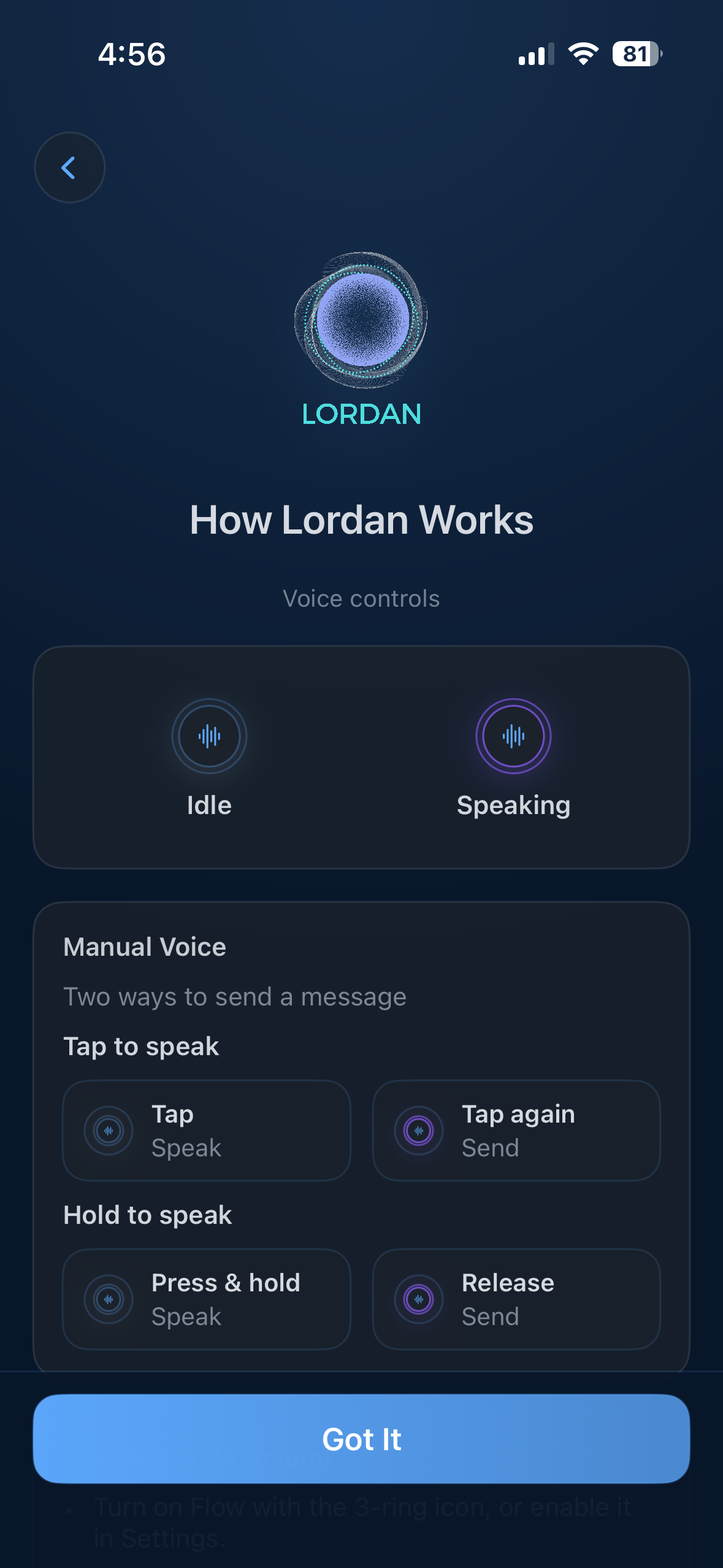
Talk with low latency and interrupt naturally. Premium Flow Mode keeps hands-free conversation moving through automatic cycles of up to 12 responses.
Language, mode, history, and audio preferences are organized so the experience stays focused. Lordan is designed to help users think, not get lost in menus.
Lordan is not positioned as a replacement for every general AI tool. It is designed for a narrower job: structured thinking, preparation, communication, and language practice.
Start with a defined purpose instead of building every session from a blank prompt.
The selected mode keeps the conversation organized around the goal you chose.
Save selected takeaways locally rather than turning every conversation into a permanent cloud archive.
Limited continuity context may remain for up to 24 hours, then is configured for automatic deletion.
Unlike a blank chat box, Lordan opens with intent. Every session has a direction — and Lordan stays on it.
That is a high-stakes conversation — and the fact that you want to handle it without conflict shows good instincts. Let's build a clear, calm approach.
First: what outcome matters most to you — changing the behavior, being heard, or protecting the relationship?
Good. That shifts the frame from complaint to impact — which is far more likely to land. Instead of "your feedback hurts me," the stronger move is: "I want to share how I receive feedback best, so we get better results together."
Want to rehearse the opening line together?
These are the kinds of situations Lordan is built to help with from the start.
Practice answers, sharpen framing, and walk into interviews with stronger structure and calmer delivery.
Build fluency through natural conversation instead of drills while improving real expression and tone.
Untangle overlapping ideas, compare options, and organize your next move when the issue is complex.
Say the hard thing without it becoming a conflict. Lordan helps you find the right words, the right frame, and the right moment.
Understand your leverage, anticipate the other side, and walk in with a position — not just a hope.
Stop going in circles. Structure the tradeoffs, name what you actually value, and make the call with clarity.
Lordan was not built by a team chasing the next AI trend. It was built by someone who has spent decades navigating complex communication across the US and Europe — and who understands firsthand what it costs to think clearly under pressure in a language that is not your first. That experience is baked into every mode.
Read the founder storyFull access to all features. No commitment. Choose Standard or Premium after — or don't. The trial is yours either way.